What's the difference between 2-pin, 3-pin and 4-pin cooling fan
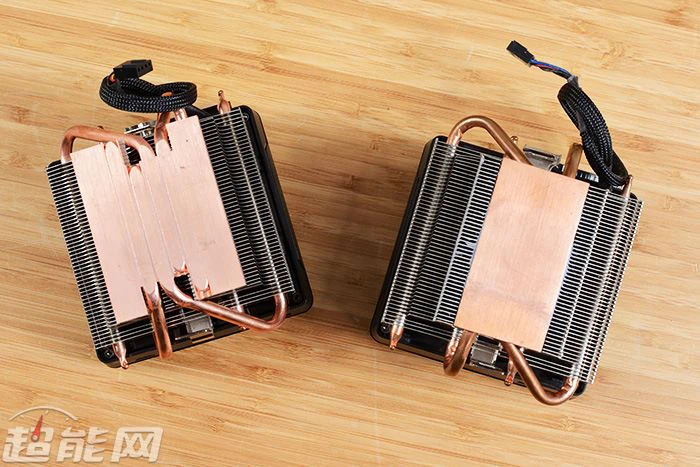
Cooling fans are required for CPU, graphics card, chassis and power supply. How to control the noise and performance of fans is also a major event. Many people still can't tell the difference between 2-pin, 3-pin and 4-pin fans.

There are many classification methods for cooling fans, including DC, DC and AC, as well as brush, brushless, ball bearing and oil bearing. Here we mainly talk about the power line interface of cooling fans, which can be divided into 2 pins , 3 pins and 4 pins .
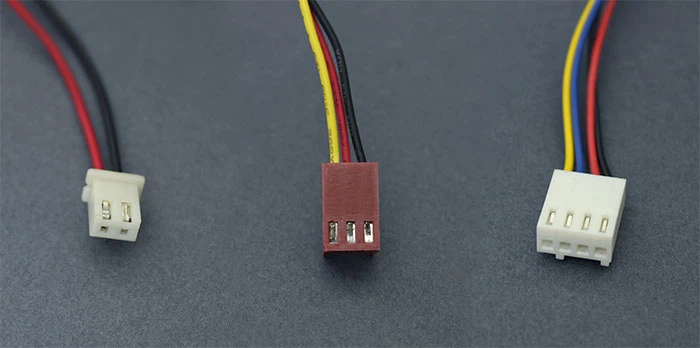
2-pin fan: simple and rough, but it can't measure the speed
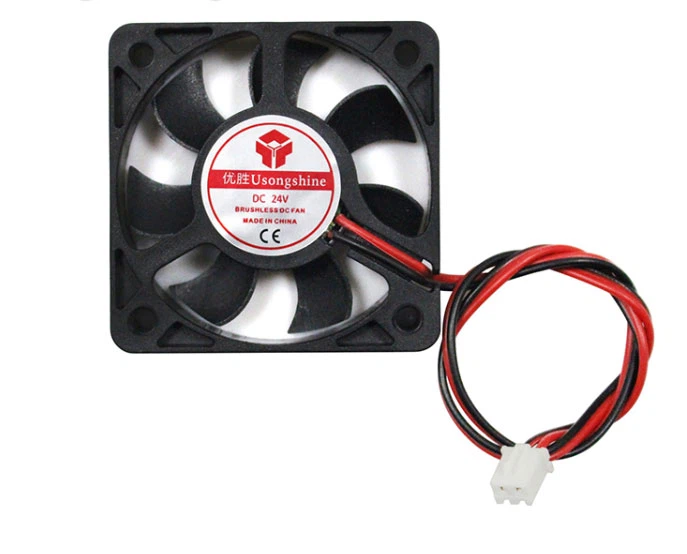
The 2-pin cooling fan means that it has only two kinds of power lines, one for grounding and the other for power supply. It has simple structure, but few functions and cannot measure speed. If you want to speed regulation, you need to use other solutions.
3-pin fan: VC voltage speed regulation, poor flexibility
The 3-pin fan interface adds a yellow line on the basis of the original red and black. It is mainly responsible for measuring the speed. Through it, the motherboard can detect whether the fan is rotating and the speed. However, the speed regulation of the 3-pin fan is realized by adjusting the fan voltage. First, the speed regulation is still not flexible enough. The temperature detection comes from the motherboard and cannot reflect the CPU status information in real time, Moreover, the motherboard BIOS is required to set various parameters, so whether the speed can be adjusted depends on whether the motherboard supports it or not.
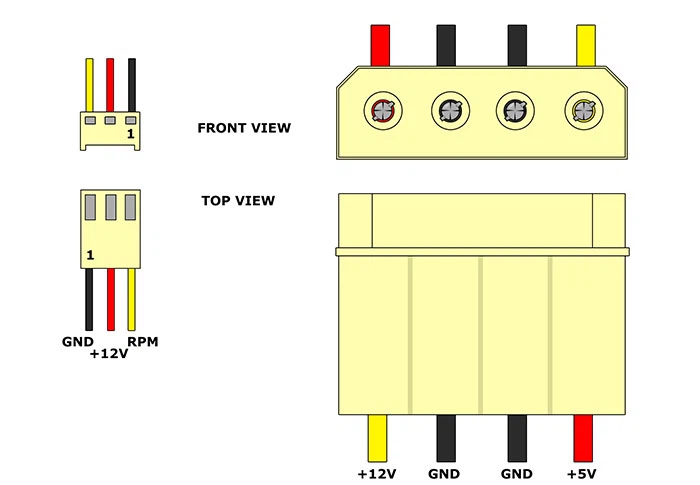
4-pin fan: more flexible and intelligent speed regulation:
From 2-pin to 3-pin, the problem of fan speed regulation has not been completely solved. Therefore, in the era of LGA775, Intel's joint manufacturers launched a new PWM speed regulation specification. The cooling fan has become four pins and a PWM line (pulse width modulation) is added on the basis of 3-pin. The extra PWM line is to use PWM mechanism to adjust the fan speed, and the fan voltage is constant, which avoids a series of disadvantages of controlling voltage to change speed.

Sometimes, even if the fan is controlled by 4-pin PWM, it still cannot control the speed intelligently when connected to the motherboard. This problem may be related to the motherboard, because the 4-pin interfaces on the motherboard are not necessarily controlled by PWM, but also by voltage. At present, 2-pin fans are rare in daily use, and there are more 3-pin and 4-pin fans. From the perspective of use experience, 4-pin fans with PWM function and motherboard are the first choice, and most fans with motherboard and CPU radiator are 4-pin PWM.